

Copy and paste screenshots like a PRO on Windows 10
Microsoft has a tool to make it easy to take partial screenshots and edit them, without the need to use the Print Screen key, paste it in an image editor like Paint and crop the area you need.
Before Windows 10 this tool was the Snipping Tool but since the October 2018 Update of Windows 10 the Snip and Sketch was introduced.
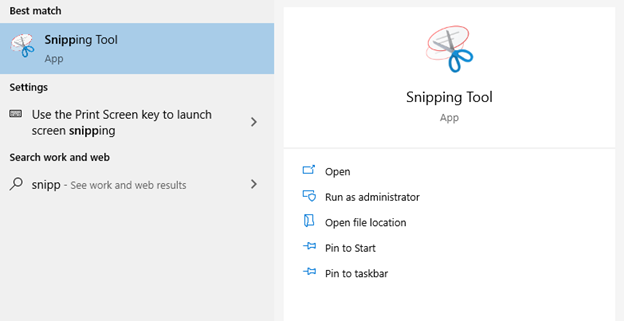
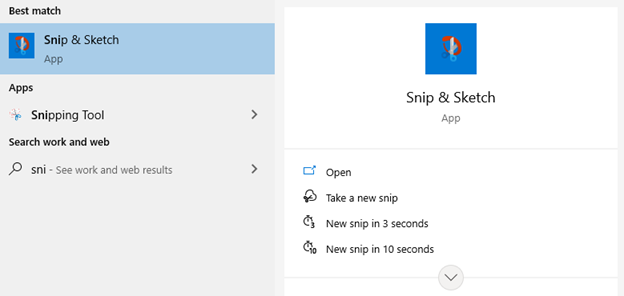
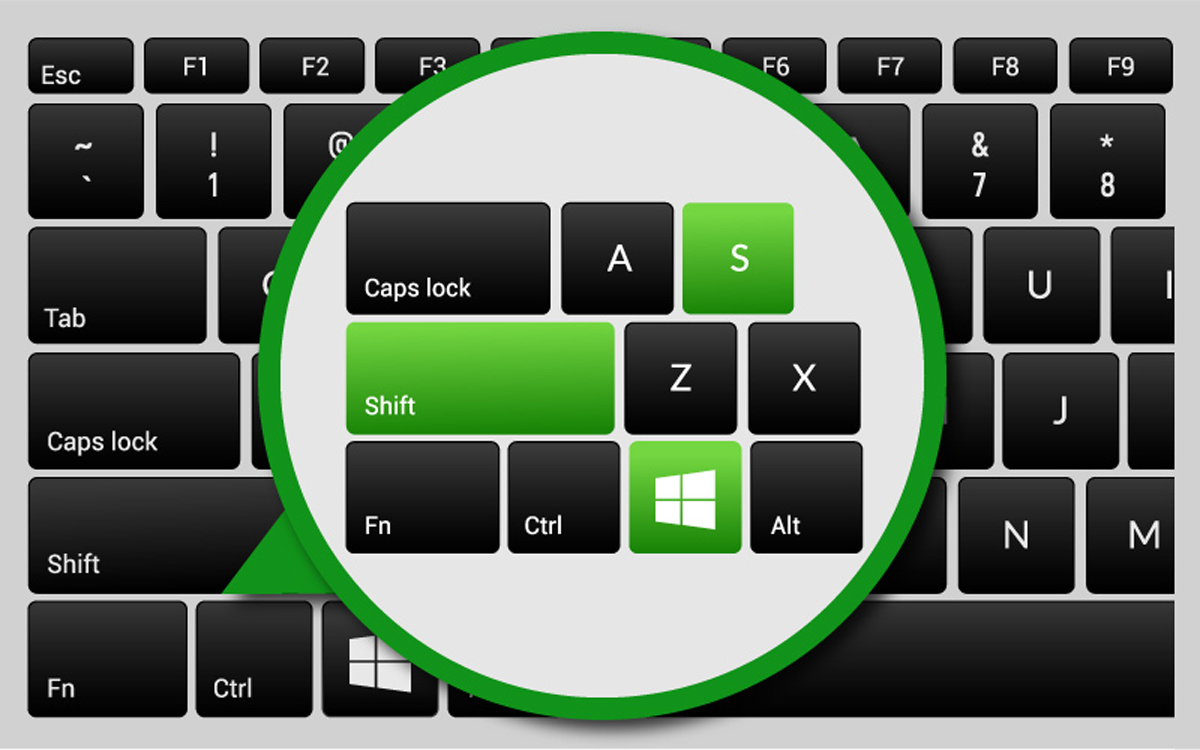
To quick access the Snip & Sketch tool on your Windows 10 and create partial screenshots like a Pro, use the combination of keys: Windows + Shift + S
Now you just need to click and hold the left button of the mouse while you select the area of the screen you want to copy. When you are done, release the left button of the mouse and the area you selected will be on the Clipboard ready to be pasted on an email, Microsoft Teams, or any other software.
If you want to edit the screenshot before pasting it you just need click on the notification and it will open the editor.
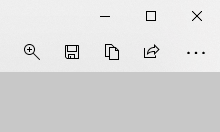
When you are done editing you can either copy it again to the Clipboard or save it as a file using the buttons on the top.

Share this article
Follow us

Our Newsletter
Keep up with everything Daruma Tech. Subscribe to find out what we are working on next!
"*" indicates required fields